
Connecting Your Boards
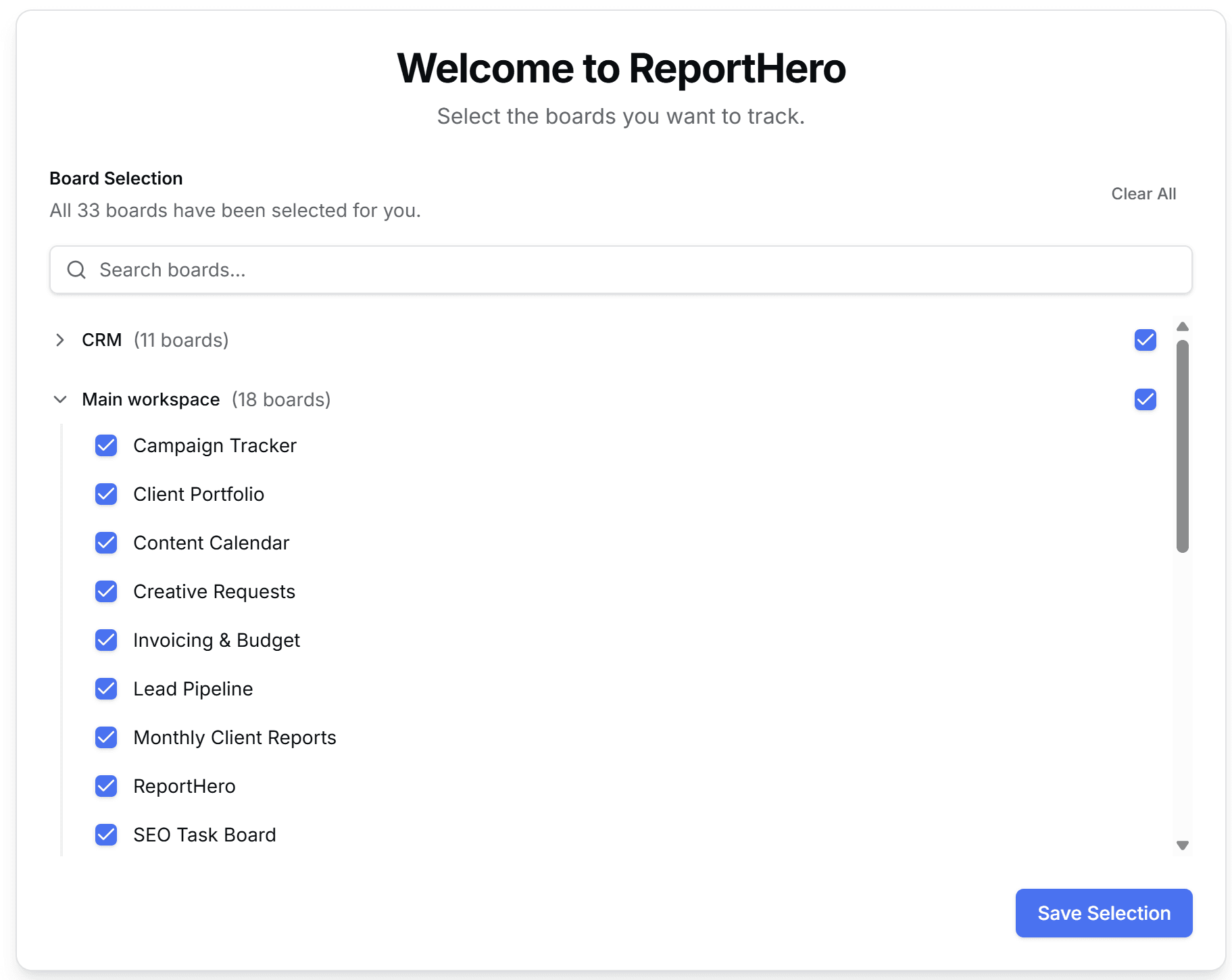
After approving permissions, ReportHero will show you all the boards in your workspace. Select the boards you want to track. You can pick individual boards or select entire workspaces at once. Use the search bar to find specific boards quickly.
When you're happy with your selection, click Save Selection to finish the setup.
Start with your most active boards to see immediate results. You can always add more boards later from the Board Selection page in the sidebar.