What You Can Do
ReportHero turns your monday.com boards into a single, powerful dashboard so you can stop jumping between boards and start making decisions.
See the big picture across all your boards
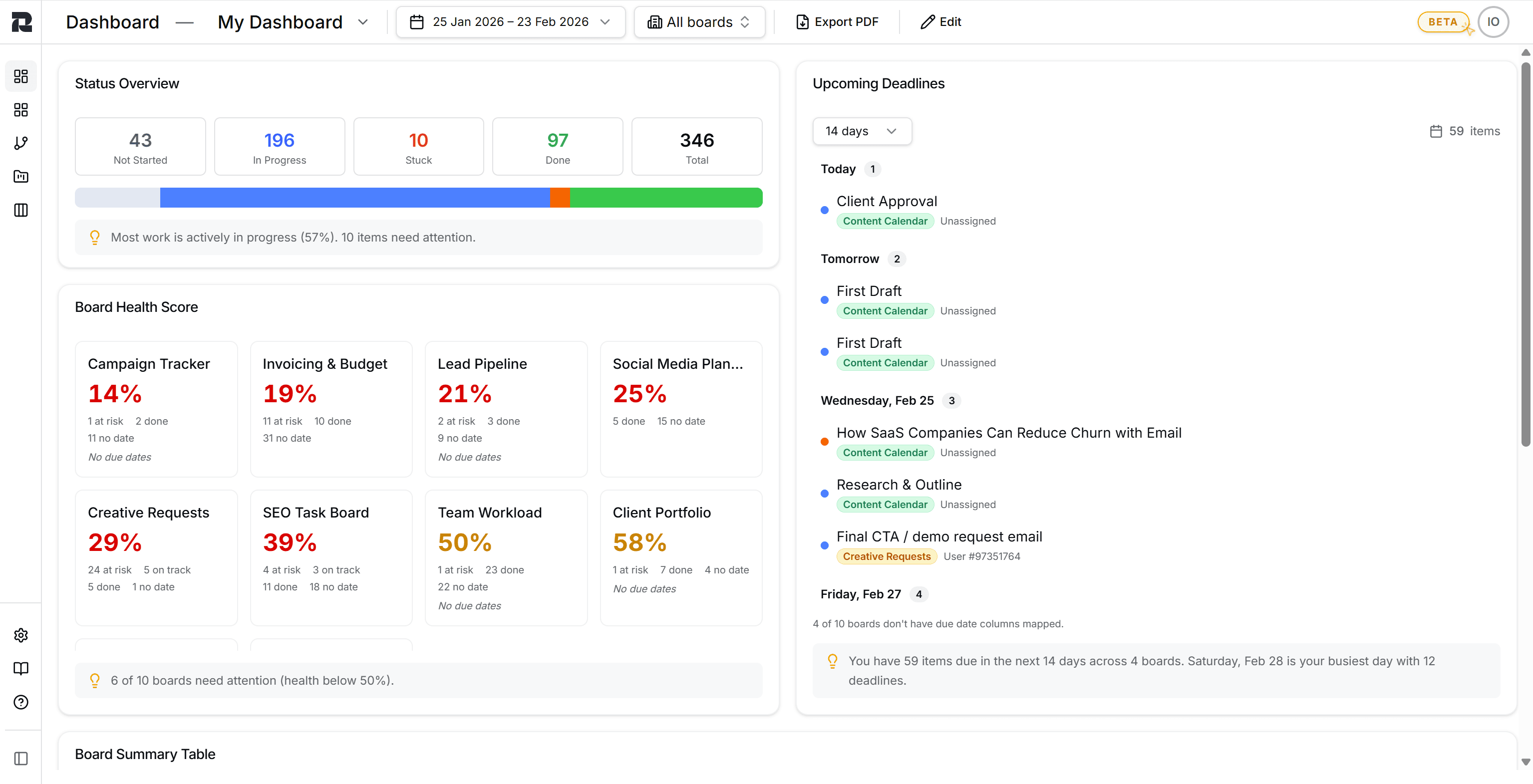
Your Status Overview shows exactly where everything stands: how many items are not started, in progress, stuck, or done across every connected board. A visual progress bar and smart insights tell you what needs attention without digging through individual boards.
Track board health instantly
The Board Health Score gives each board a percentage based on at-risk items, missing dates, and overall progress. Boards that need attention are flagged immediately, so you never have to guess which project is falling behind.
Never miss a deadline
Upcoming Deadlines pulls due dates from all your boards into a single timeline, grouped by day. You'll see which items are due today, tomorrow, and beyond, along with who's assigned and which board they belong to.
Sync unlimited boards and sub-items
Connect as many boards as you need. There's no limit. ReportHero also syncs sub-items, so you get the full picture including all the detail work happening underneath your main items.
Near real-time syncing
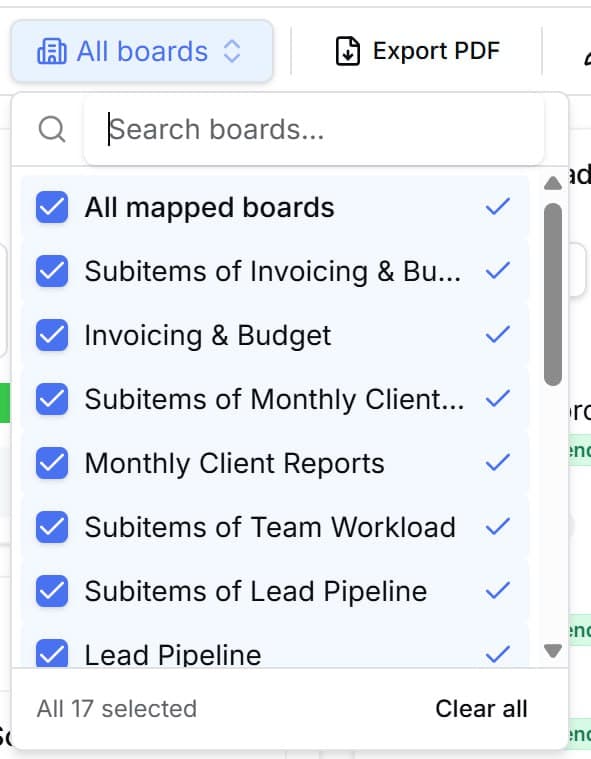
Your data stays fresh automatically. ReportHero syncs with monday.com in near real-time, so your dashboard always reflects the latest changes.
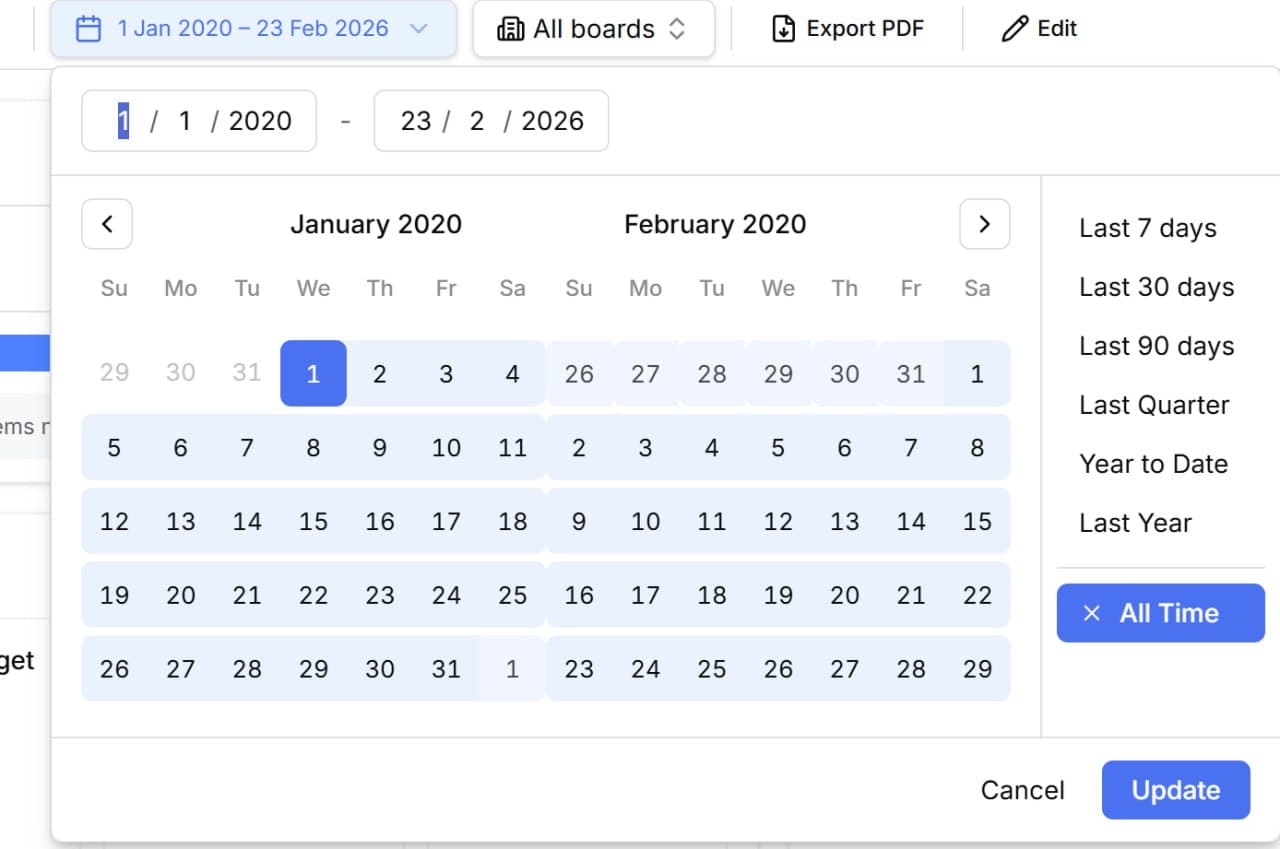
Filter by date, board, or both
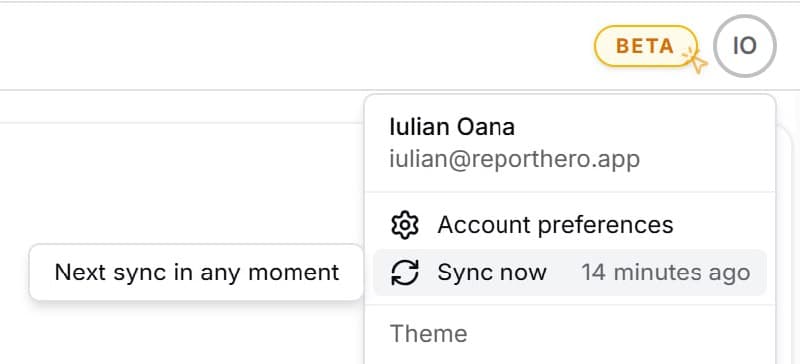
Use presets like Last 7 Days, Last Quarter, or Year to Date, or pick a custom date range. Combine that with board filters to zoom into exactly the slice of data you care about.
Drill down into any chart
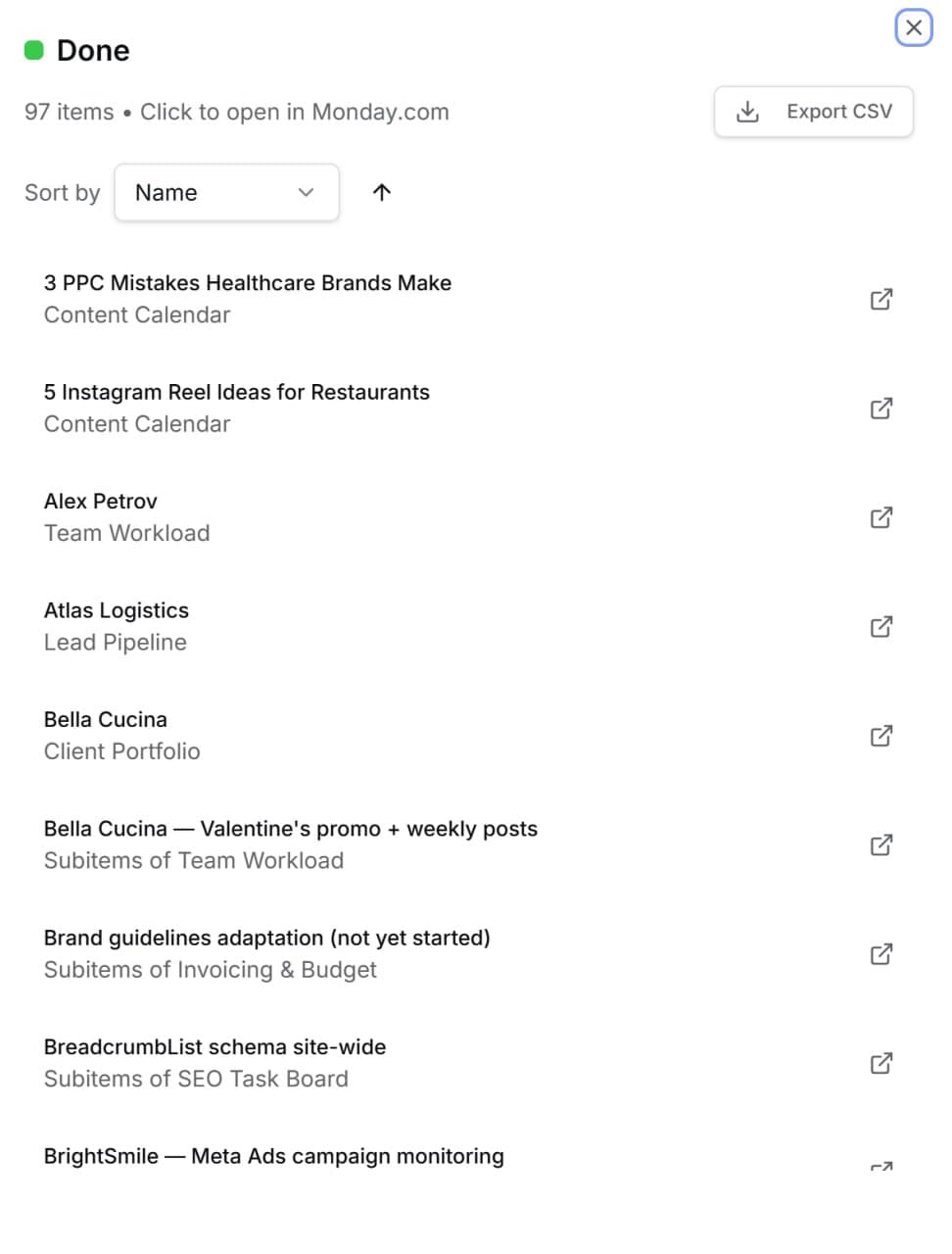
Click any number or status in your dashboard to see the actual items behind it. Sort them, browse them, and open any item directly in monday.com with one click. You can also export the source data as CSV.
Export your dashboard as PDF
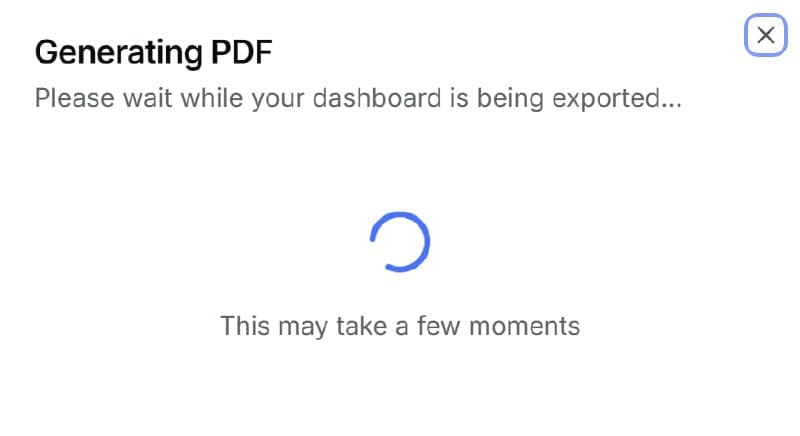
Share your reports with stakeholders who don't use monday.com. One click generates a polished PDF of your entire dashboard, ready for meetings, clients, or leadership reviews.
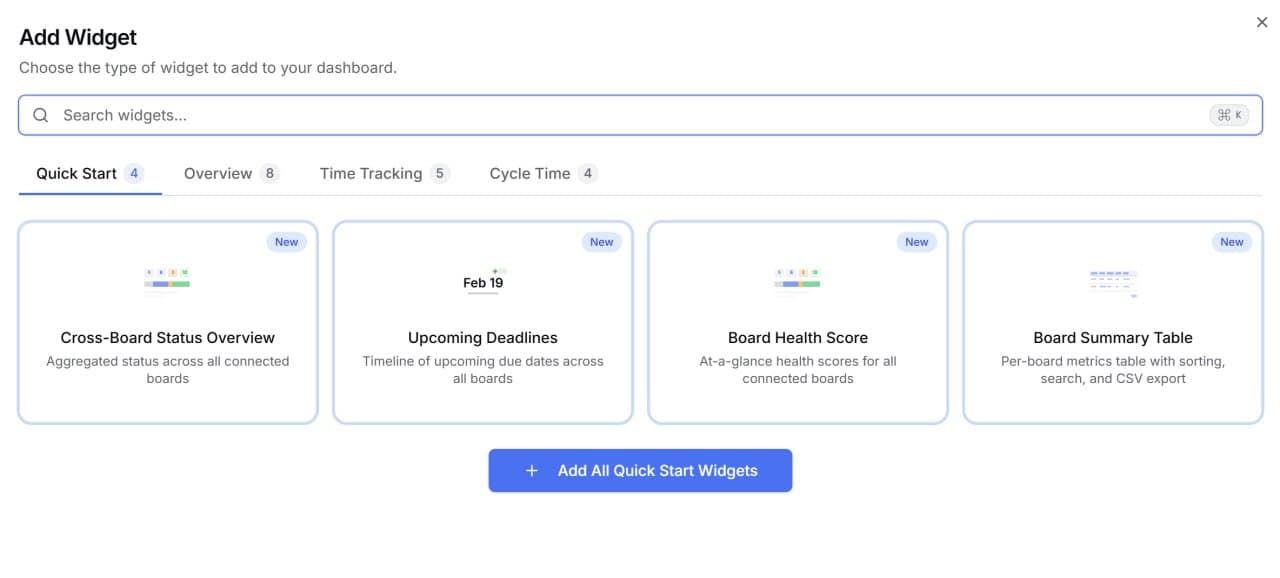
21+ widgets to choose from
Build your dashboard your way. Choose from Quick Start templates, Overview widgets, Time Tracking charts, and Cycle Time analytics. Drag, drop, and resize to create the exact view your team needs.