
Mapping Statuses
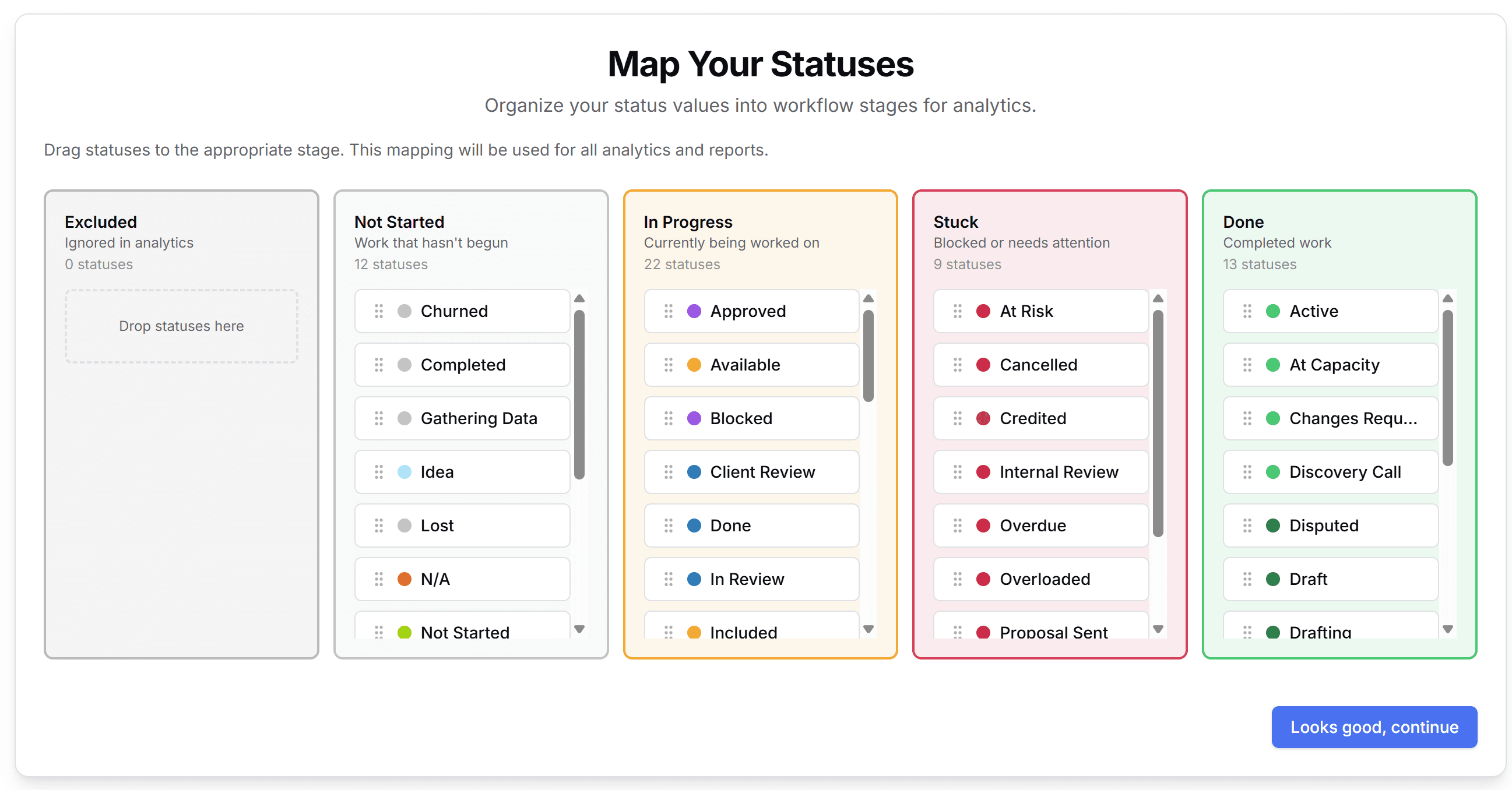
Finally, you'll map your status values to ReportHero's workflow stages. This is how ReportHero understands your progress. It groups all your different status labels into five stages:
- Excluded: Ignored in analytics.
- Not Started: Work that hasn't begun.
- In Progress: Currently being worked on.
- Stuck: Blocked or needs attention.
- Done: Completed work.
Drag and drop your statuses into the appropriate stage. ReportHero will pre-sort them for you, but you can adjust as needed. This mapping is used across all your analytics and reports.
When everything looks right, click Looks good, continue to finish setup.
If your boards share similar status labels, ReportHero can apply mappings across boards automatically. Look for the "Apply to similar boards" option.