Contact Us
We're here to help, 24/7 via our built-in live chat. We'll get back to you instantly.
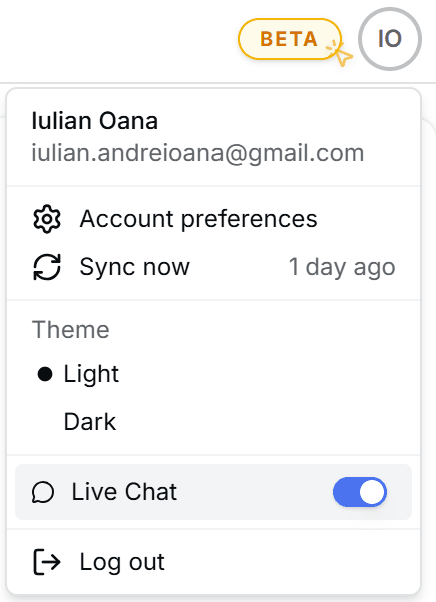
First, make sure Live Chat is enabled on your account. Open your account menu and toggle it on:
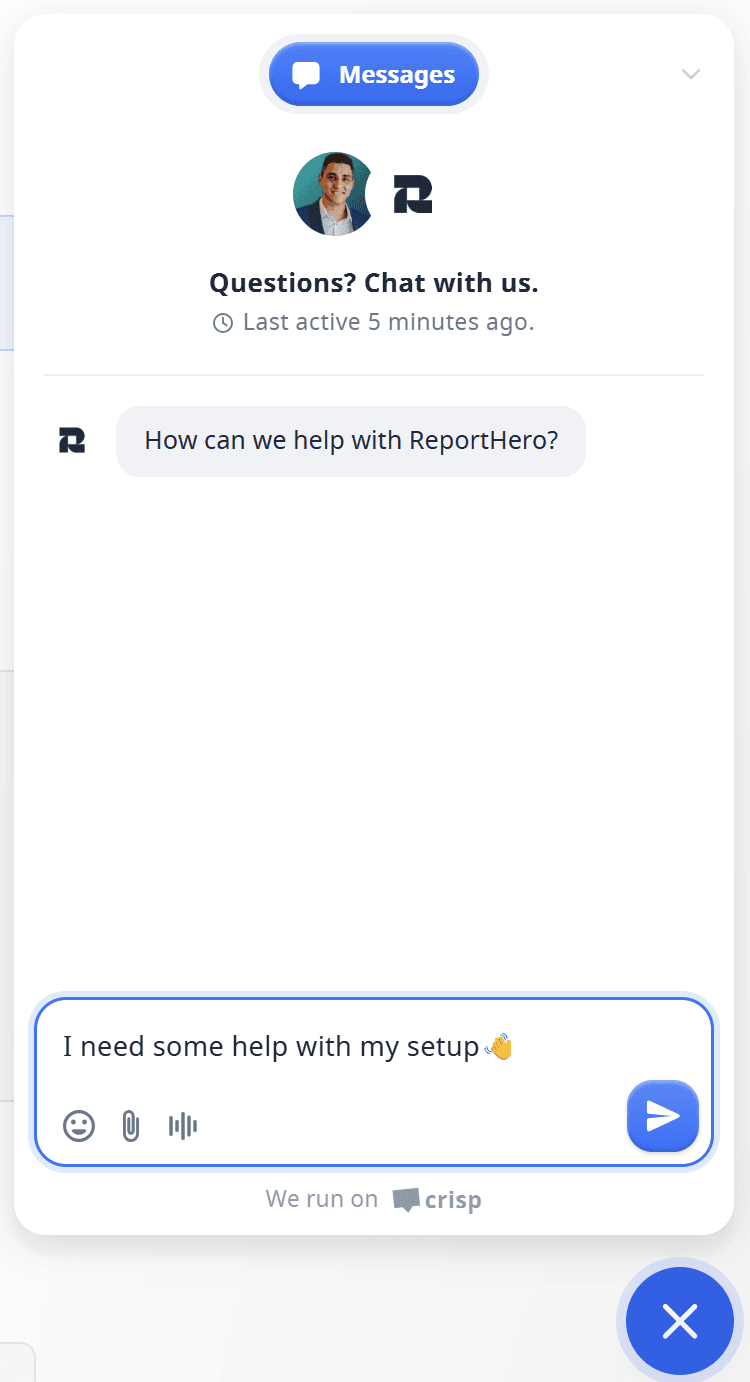
Once enabled, you'll see a blue chat bubble in the bottom-right corner of your screen. Click it to open the chat:

Type your message and hit send. We'll reply instantly: