
Feedback
ReportHero is currently in beta, which means occasional bugs or data inaccuracies are expected. We're actively improving the platform every day, and when issues are reported our typical turnaround is within 24 hours.
How to Report a Bug
Click the Beta badge in the top-right corner of your screen. A tooltip will confirm you're in the right place:
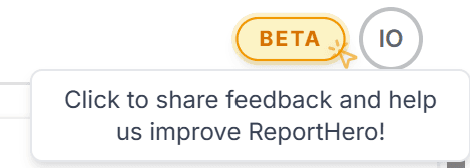
You can also find the same option in the side-menu on the left.
This opens the Share Your Feedback dialog. Select Bug Report as the feedback type, describe the issue in as much detail as possible, and attach any relevant screenshots using the + button:
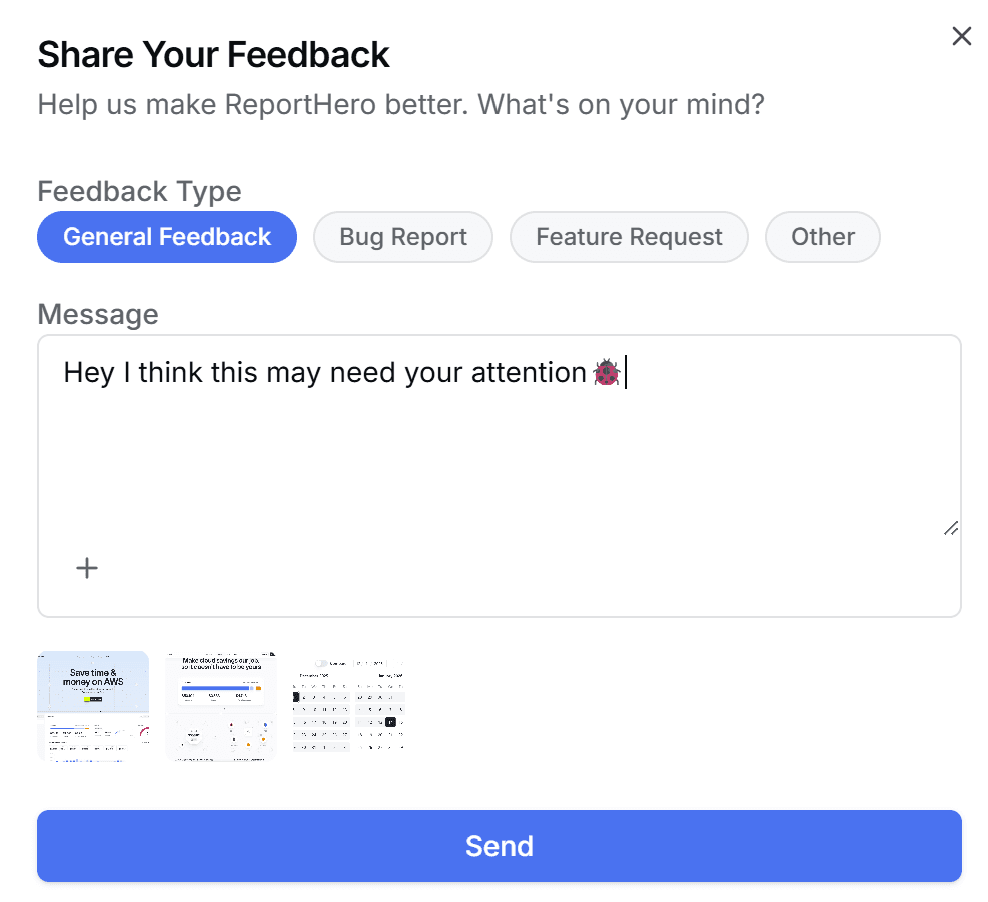
Once you hit Send, we'll get back to you within the hour with a resolution or an update on the fix.
Tips for a Great Bug Report
- Be specific: describe exactly what you did, what you expected, and what happened instead.
- Include screenshots: a picture is worth a thousand words.
- Mention the board or dashboard: this helps us reproduce the issue faster.