
Selecting Workflow Columns
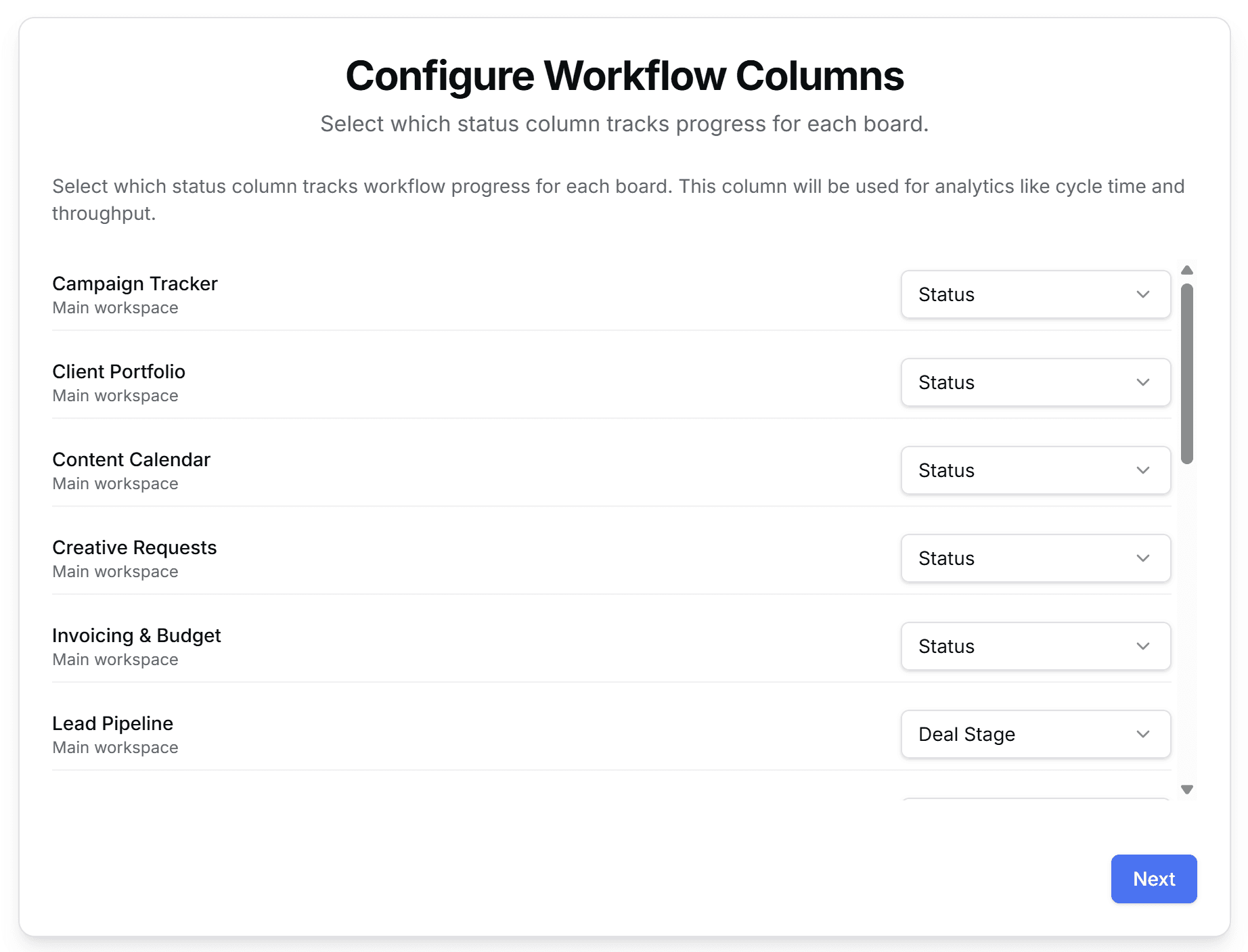
Next, you'll choose which status column tracks workflow progress for each board. ReportHero uses this column to calculate analytics like cycle time and throughput.
Each board shows a dropdown with its available status columns. Pick the one that best represents your workflow stages. For most boards this will be "Status", but some may use a custom column like "Deal Stage" or "Phase".
Once you've configured all boards, click Next to continue.
Column mappings can be changed at any time from the Column Mapping page in the sidebar. You don't need to get everything perfect on the first try.