
Installation
Installing ReportHero takes just a couple of clicks. You'll authorize the app to access your monday.com workspace, and you're ready to go.
Prerequisites
A valid monday.com account with admin permissions on your workspace is required.
Step 1: Click the Install Button
Click the button below to begin installing ReportHero:
👉
This will take you to monday.com's authorization page where you can review the permissions ReportHero needs.
Step 2: Approve Permissions
On the authorization page, you'll see the list of permissions ReportHero requires to work with your workspace. Review them and click Accept to approve.
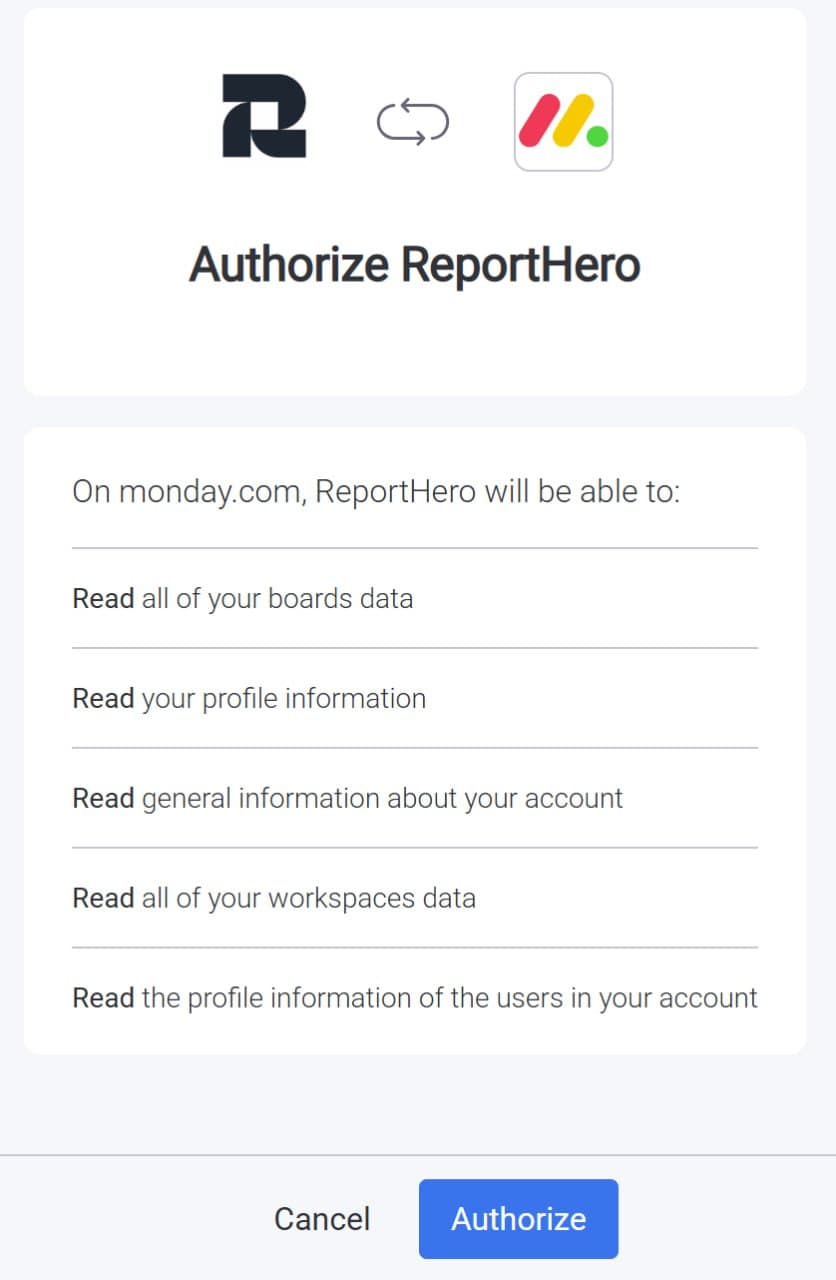
Once approved, you'll be taken to the First-Time Setup flow where you'll connect your boards, configure columns, and map your statuses.